


Now that you understand the difference between posts and pages, it’s time to put your knowledge to practical use by creating your very first post. Posts are ideal for engaging content that keeps your audience coming back. Let’s dive into how you can create compelling posts that resonate with your readers.
Step into the World of Posts
Step 1: Access the Post Editor
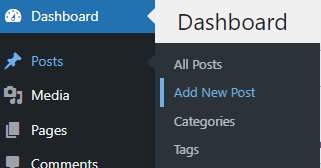
From your WordPress dashboard, go to Posts → Add New. This opens the WordPress editor, where you can unleash your creativity.
Step 2: Crafting Your Title

Enter a compelling title at the top of the editor. This is the first impression your post will make, so choose a title that grabs attention and promises value.
Write, Format, and Enhance
Step 3: Composing Your Content
Start typing your article in the block below your title. The block-based editor allows you to easily format your text and add various content types.
Use headings to organize your content, making it easier for readers to follow and enhancing SEO.
Step 4: Adding Media
Enrich your post by adding images or videos. Click the Add Block button (the plus icon), select Image or Video, and upload or choose from the media library. Visuals not only attract attention but also help explain and supplement your text.
Preview and Publish
Step 5: Preview Your Post
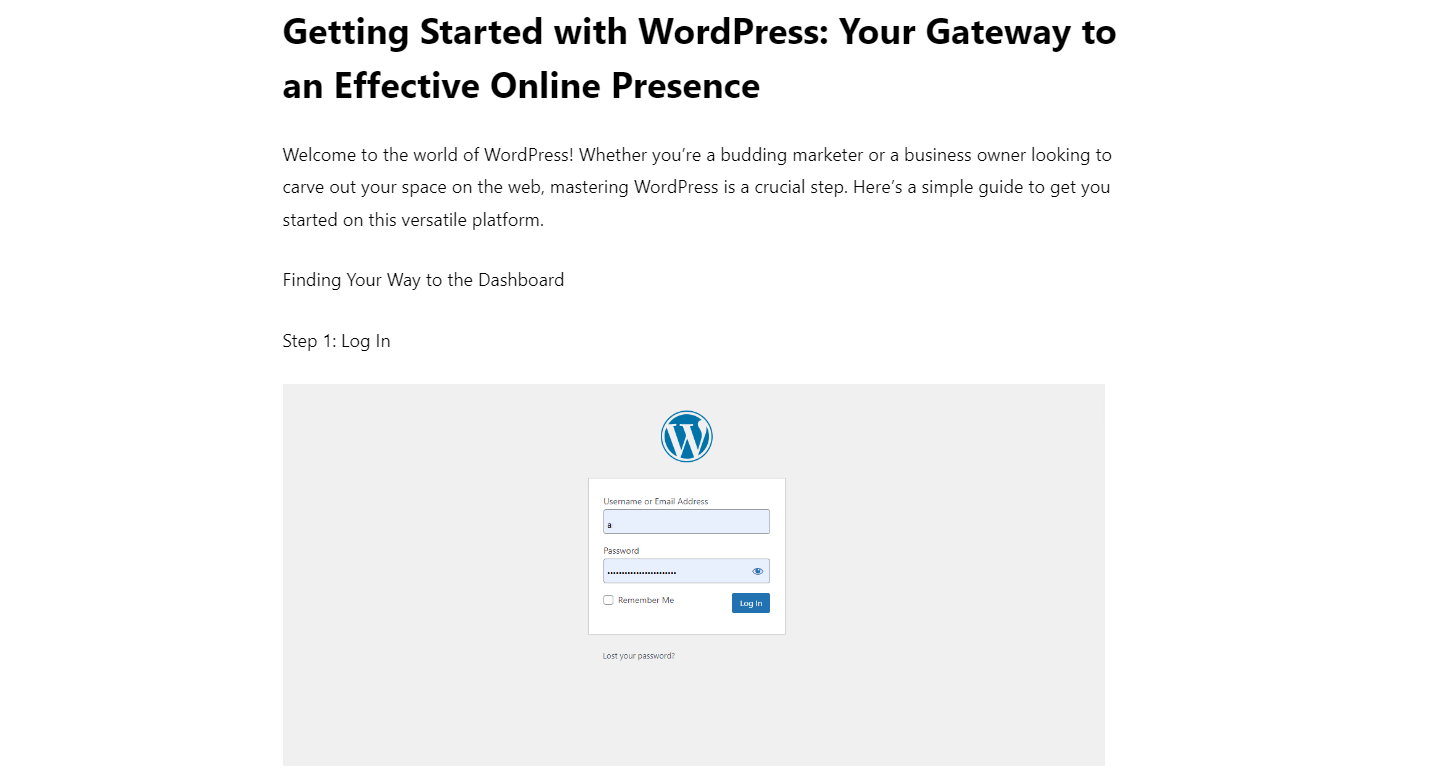
Always preview your post before publishing to see how it will appear to your audience. This lets you make final tweaks and ensure everything looks perfect.
Click on Preview at the top of the editor to check your work.
Step 6: Publish Your Masterpiece
If everything looks good, it’s time to share your content with the world. Hit Publish, or schedule it to go live at a later time if you prefer.
Engage and Analyse
Step 7: Engage with Your Audience
Once your post is live, monitor its performance and interact with your readers. Respond to comments and track engagement through your dashboard analytics to see what resonates with your audience.
